January 2026
Agent Builder Reconnection
January 22nd, 2026
Agent Builder will now automatically reconnect to your running Agent Builder execution if you navigate to a different page and then come back or if you experience a network interruption.
Workflow Log Events
January 20th, 2026
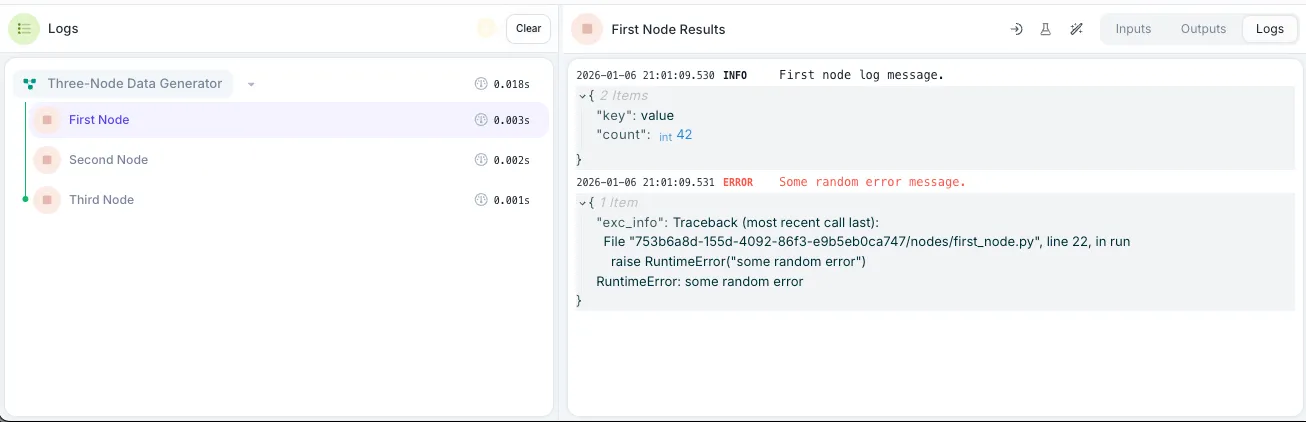
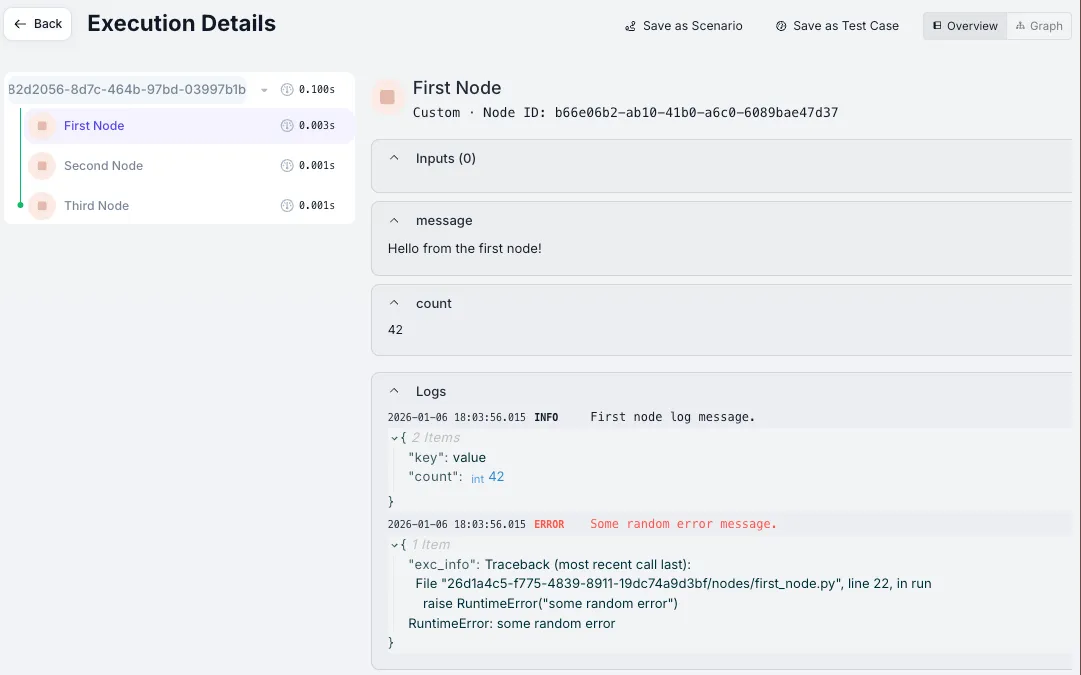
Workflows can now emit log events. You can view these logs in the Workflow console or on the Execution Details page.
Agent Code Downloads
January 17th, 2026
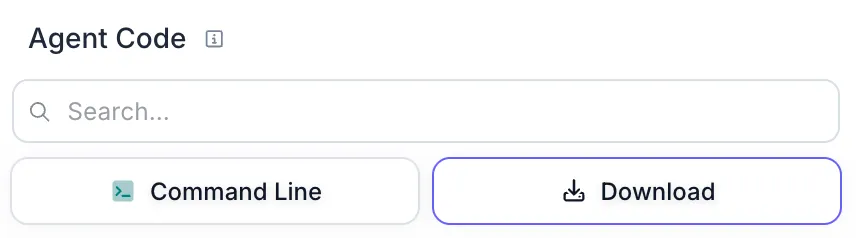
You can now download your Agent’s code as a zip file directly from the UI. Click the “Download” button in the Agent Code panel.
Chat Message Triggers
January 14th, 2026
Users can now build Agents with first-class chat experiences by using the new Chat Message Trigger.
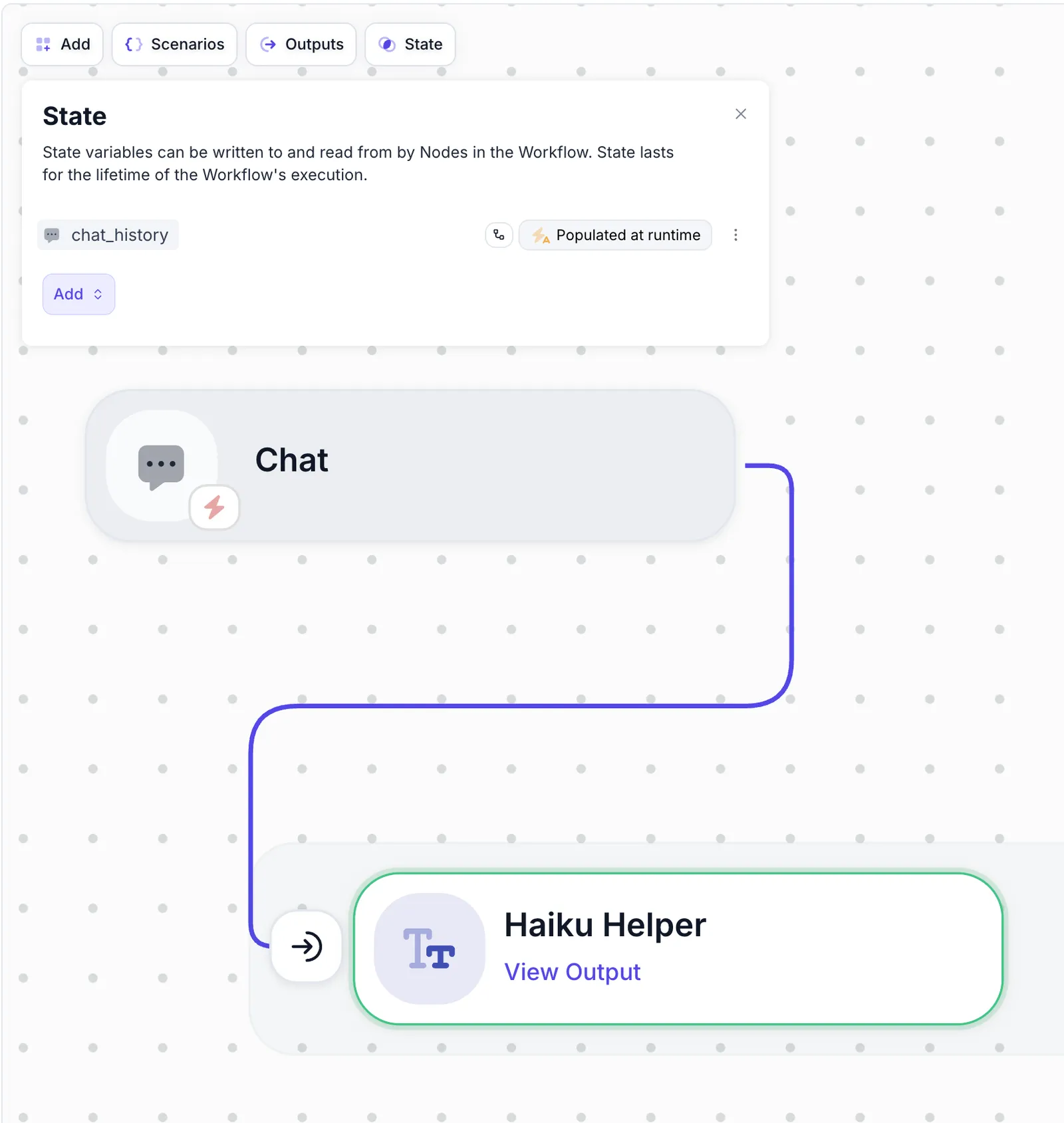
When Chat Message Triggers are added to your agent, it automatically creates a State variable for chat_history,
storing threads of the conversation on Vellum instead of having to do so yourself:
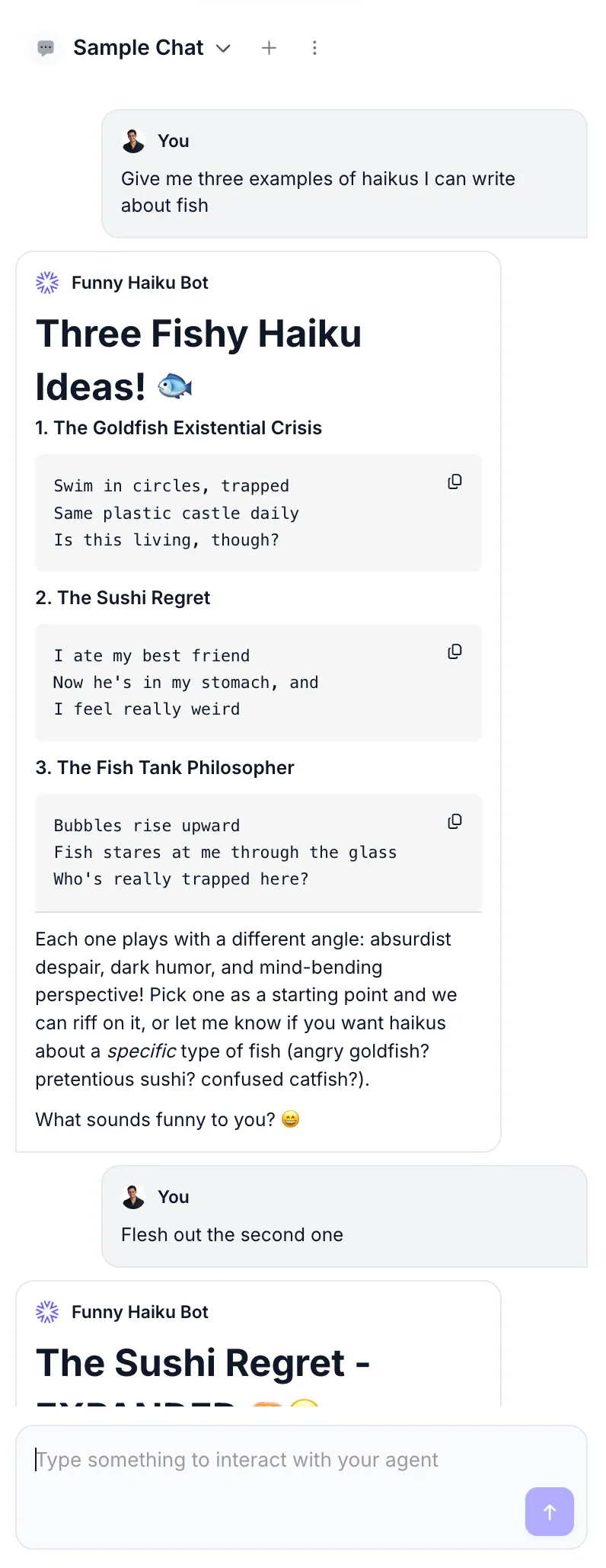
When you invoke the Sandbox with a Chat Message Trigger, Vellum will pull up an interactive chat panel to interact with your Agent through a Chat experience:
Agents deployed with a Chat Message Trigger are available via the API. You can read the docs on how to do so here.
Custom Nodes over Code Execution Nodes
January 10th, 2026
Vellum will bias towards generated Custom Nodes over Code Execution Nodes. Custom Nodes have the benefit of being more performant and flexible. Over time, it’s likely that they’ll replace Code Execution Nodes entirely.
Merge, Conditional, and Output Node Deprecations
January 6th, 2026
We’ve deprecated Merge, Conditional, and Output Nodes. You can no longer create new instances of these Nodes from the UI. They’ve been replaced by more flexible first-class concepts:
- Merge Node → Merge Strategy: A setting available on all Node types. You no longer need a standalone Node to await multiple parallel branches.
- Conditional Node → Ports: A setting found on all Nodes under the “Routing” tab. You can perform conditional logic to route down one path or another on any Node, instead of only on Conditional Nodes.
- Output Node → Workflow Outputs: You no longer need a standalone Node to signify what your Workflow outputs. Instead, reference the Nodes whose outputs you care about directly as Workflow Outputs.
Existing Workflows that contain these Node types will continue to work with no changes—you simply cannot create new instances going forward.
Mocking Nodes & Integrations
January 6th, 2026
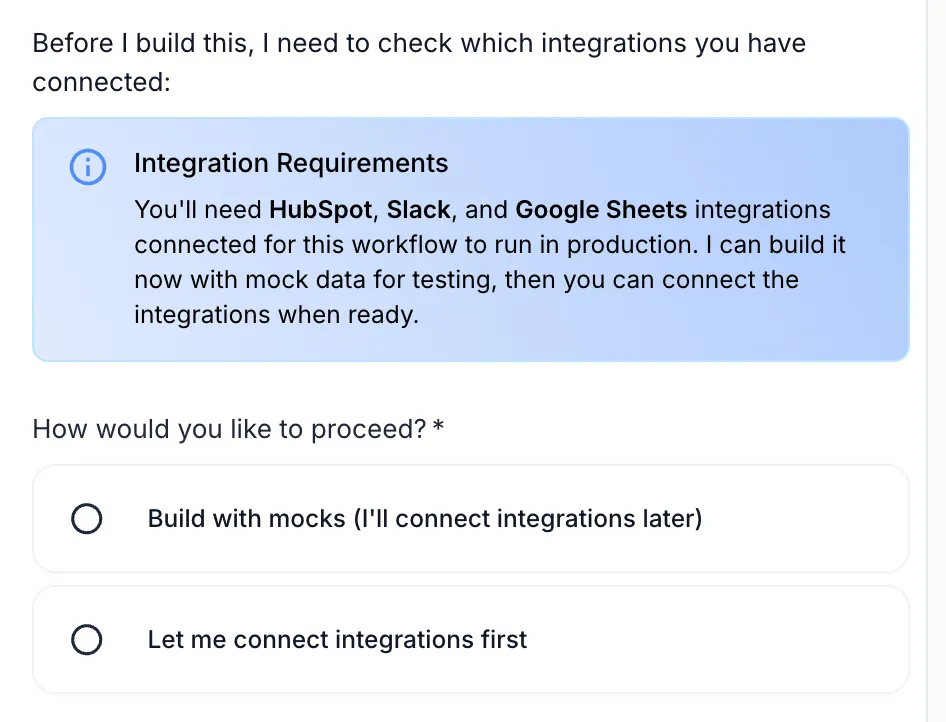
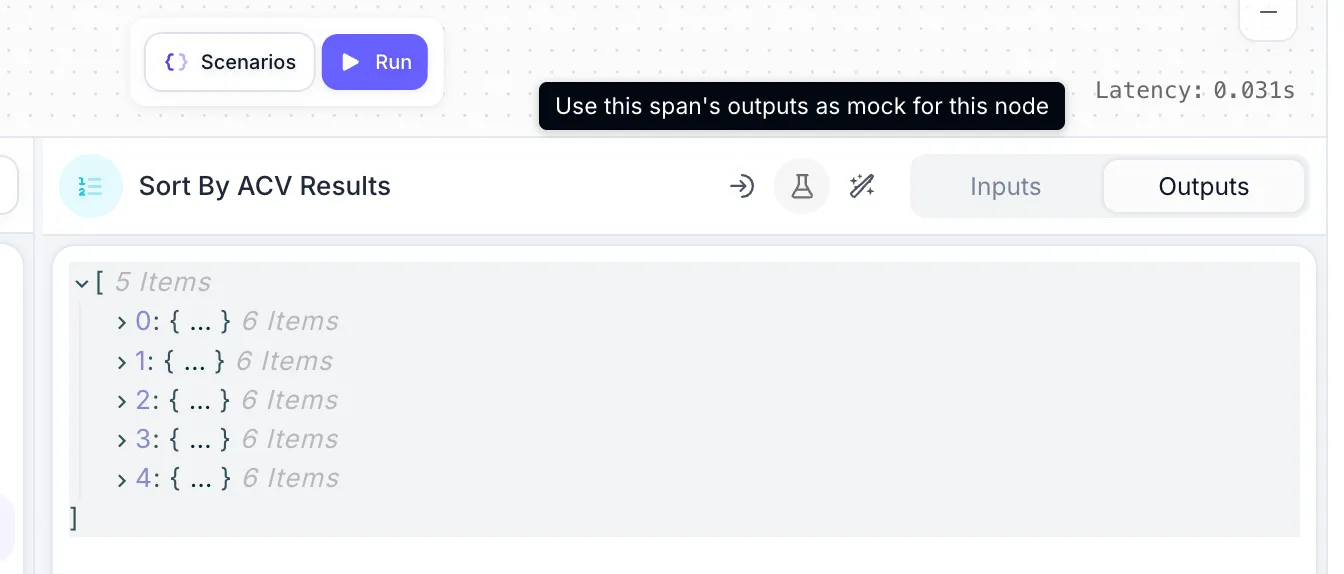
Agent Builder can now create mock data for you when building Workflows. When it detects that your Workflow needs integrations like HubSpot, Slack, or Google Sheets, it’ll offer to build with mock data so you can test immediately without connecting the real integrations. This speeds up your testing cycle by making Prompts and Nodes run instantly, and prevents accidental writes to external APIs.
You can also save any previous run’s outputs as mock data with a single click. This makes it easy to capture real data and reuse it for faster testing.
Workflow Favorites
January 3rd, 2026
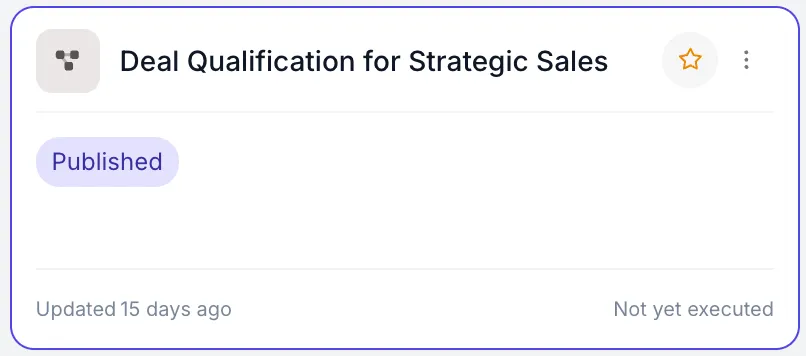
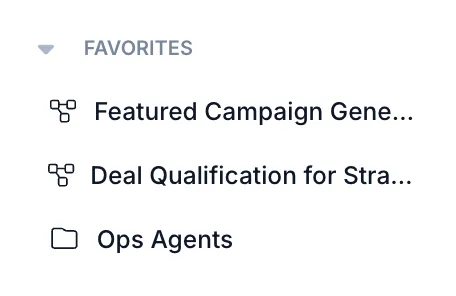
You can now mark Workflows as favorites by clicking the star icon. Favorited Workflows appear in your sidebar and home page, making them easier to find. Favorites are personal to you, so each user in a Workspace can have their own.